
Does My Phone Support eSIM? How to Check in 10 Seconds
Most phones released since 2019 support eSIM. Here's how to check yours in about 10 seconds, how to tell if it's unlocked, and which phones work.
Before you buy a travel eSIM, check that your phone can use one. If you’re asking “does my phone support eSIM?”, the answer is probably yes. Most phones released since 2019 do, and you can check yours in about 10 seconds.
Does my phone support eSIM? The 10-second check
Open your phone app and dial *#06#. If you see a number labeled EID, your phone supports eSIM. If you only see IMEI numbers and no EID, it most likely doesn’t.
Dialing *#06# is free and doesn’t place a call. It only shows your phone’s identifiers.
Tip: Asking “does my phone support eSIM?” for the whole family? The same code works on every phone, so each check takes a few seconds.
Does my phone support eSIM? Check your settings
On iPhone
Go to Settings > General > About and scroll down. If you see EID, or a section called Available SIM or Digital SIM, your iPhone supports eSIM.
On Android
Go to Settings > About phone and look for EID, sometimes under SIM status. On Samsung phones, you can also open Settings > Connections > SIM manager: if you see Add eSIM, your phone supports it.
Make sure your phone is unlocked
Your phone also needs to be carrier-unlocked. A locked phone only works with SIMs from the carrier that sold it, so it can’t use a travel eSIM from another provider.
- iPhone: go to Settings > General > About. Next to Carrier Lock, you should see “No SIM restrictions”.
- Android: menu names vary by brand. The simplest way to check is to ask your carrier, or try a SIM card from another carrier.
If your phone is locked, your carrier can usually unlock it once it’s fully paid off. For iPhone, Apple explains the steps in how to unlock your iPhone for use with a different carrier.
Phones that support eSIM
- iPhone: XR, XS and every newer model, plus iPhone SE (2nd and 3rd generation).
- Samsung Galaxy: S20 series and newer, Note 20, every Z Fold and Z Flip, and selected A series models.
- Google Pixel: Pixel 3 and every newer model.
- iPad: Wi-Fi + Cellular models.
- Other brands: selected Motorola, OnePlus, Xiaomi, Huawei, OPPO and Sony models.
A few exceptions: iPhones bought in mainland China, Hong Kong or Macau may not support eSIM, and Pixel 3 and 3a models from Japan, Taiwan and Australia don’t either. On some Android phones, support also depends on the country where the phone was sold, so the *#06# check is the most reliable way to answer “does my phone support eSIM?” See the full list of supported devices.
Why some phones don’t support eSIM
- Older models: phones released before 2018 usually only have a slot for a physical SIM.
- Regional versions: the same model can be sold with or without eSIM, depending on the country it was made for.
- Carrier versions: some carriers sell phones with eSIM turned off, or locked to their own network.
Two phones with the same model name can give different answers to “does my phone support eSIM?”, so check the actual phone you’ll travel with.
What about tablets and smartwatches?
Many tablets support eSIM too. On iPad, only Wi-Fi + Cellular models have it, so look for EID in Settings > General > About. Smartwatches are different: their eSIM is usually tied to a plan from your home carrier, so travel data eSIMs are made for phones and tablets.
What if my phone doesn’t support eSIM?
If the answer to “does my phone support eSIM?” is no, you can still get data abroad with a local SIM card or your carrier’s roaming plan. We compare the options in eSIM vs roaming vs local SIM. If you’re planning to upgrade, most new phones from Apple, Samsung and Google support eSIM.
Frequently asked questions
Can I use an eSIM and a physical SIM at the same time?
Yes. Most eSIM phones can use a physical SIM and an eSIM at the same time, so you can keep your home number active while you use a travel eSIM for data.
How many eSIMs can my phone store?
Many phones can store several eSIMs, but usually only one or two lines can be active at the same time. Your phone’s SIM settings show what’s installed.
Does my phone support eSIM if it has a SIM card slot?
Yes, it can. Most eSIM phones also have a physical SIM slot, so a SIM tray doesn’t tell you either way. iPhone 14 and later models sold in the US are the exception: they have no SIM tray and use eSIM only.
Does my phone support eSIM if it’s locked to a carrier?
It may support eSIM, but you can’t use a travel eSIM from another provider until the phone is unlocked. Ask your carrier to unlock it before you travel.
Does my phone support eSIM if I bought it abroad?
It depends on the model and the country it was made for. Some regional versions don’t include eSIM, so dial *#06# and look for an EID.
My phone supports eSIM. What’s next?
Choose your plan, then follow our guide on how to install an eSIM. It takes about two minutes.
Ready for your next trip?
Pick your destination and how much data you need. Plans start at $1.15, and you can be online as soon as you land.
Keep reading

Now Travel eSIM: Mobile Data in 200+ Destinations
Now Travel eSIM is a prepaid data plan you install before you fly. You get mobile data as soon as you land in any…

eSIM vs Roaming vs Local SIM: The Best Way to Get Data Abroad
Roaming, a local SIM card or a travel eSIM? We compare what each one costs and how much setup it takes, so you can…
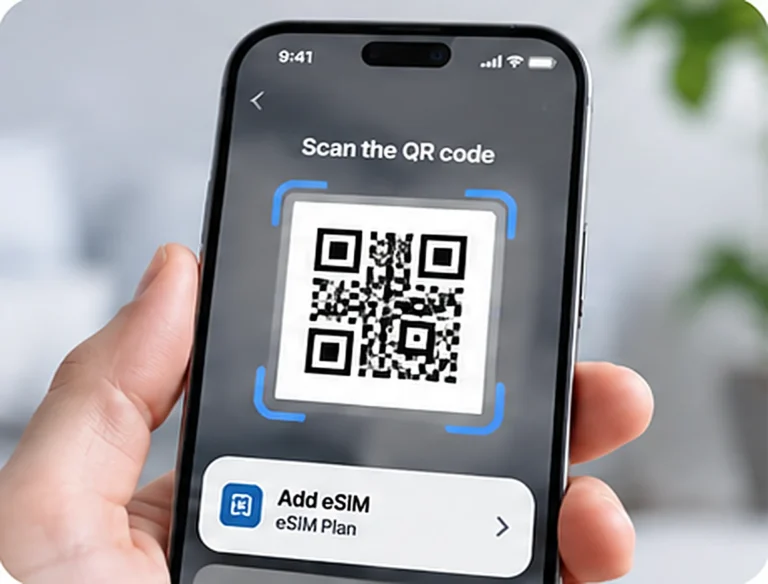
How to Install an eSIM on iPhone and Android (Step by Step)
Installing an eSIM takes about two minutes. Here's how to install an eSIM on iPhone, Samsung Galaxy and Google Pixel, and what to switch…