
How NOW eSIM works
Get mobile data for your trip in three easy steps. No SIM card to swap and no shop to find at the airport. Setup takes just a few minutes.
Three steps to get online abroad
Here is exactly what happens from the moment you choose your plan to the moment you land.
CHOOSE YOUR PLAN
 Japan
Choose your plan
Pick the country you are visiting, or a regional or global plan if your trip covers several countries. Then choose how much data and how many days you need, and pay securely online.
Plans for one country, a region or the whole world
Clear data and days on every plan
Secure checkout in a few clicks
Install with a QR code
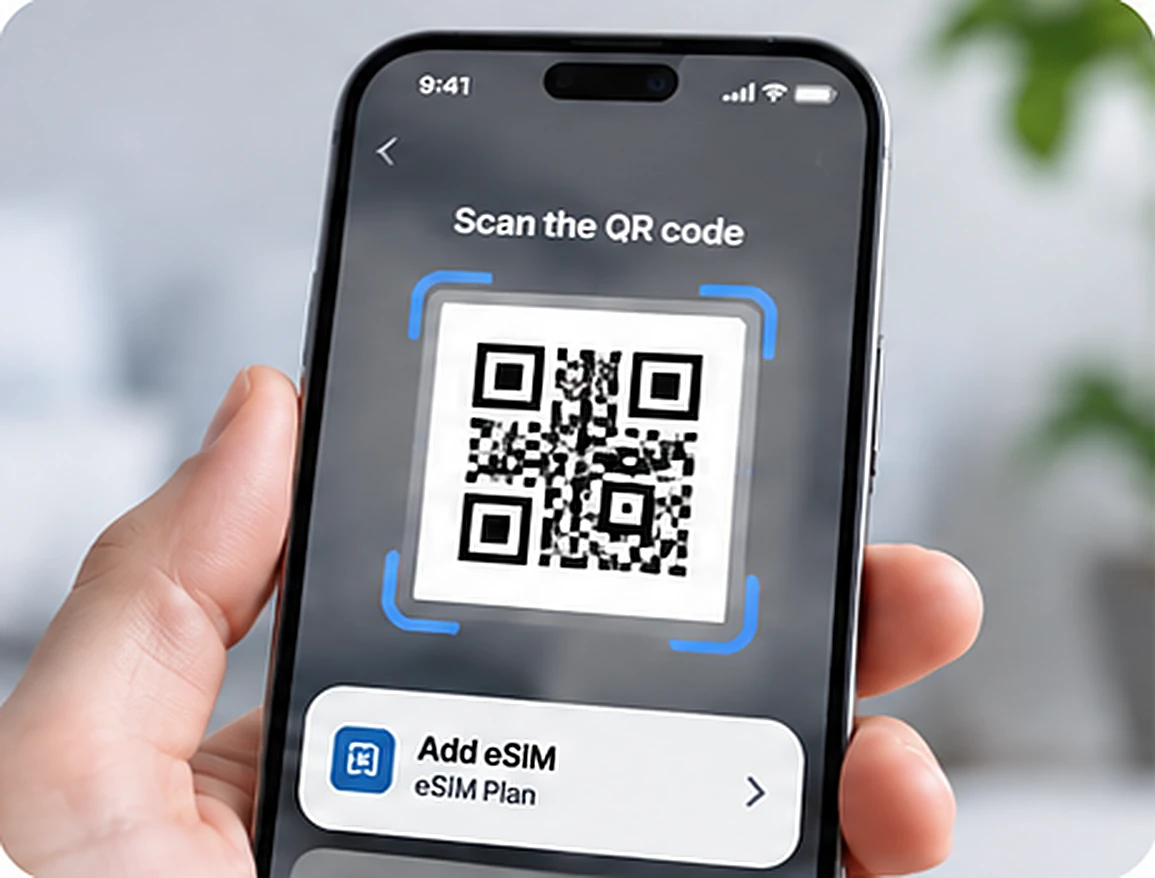
Right after checkout we email you a QR code. Scan it with your phone while you are at home on Wi-Fi, and your NOW eSIM is added as a second line. It only takes a few minutes.
QR code sent to your email
Install at home before you leave
Your regular SIM stays in your phone
Turn it on when you land
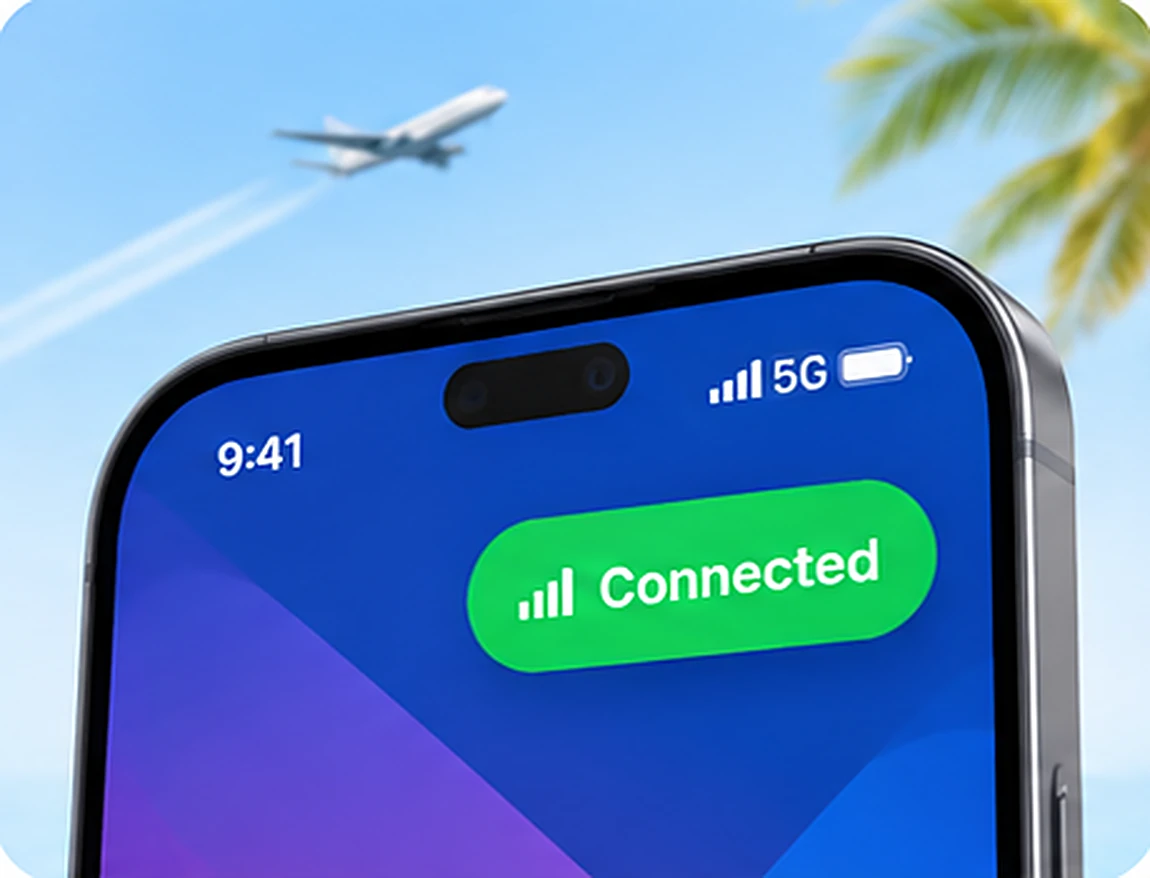
When you arrive, switch the NOW eSIM line on, turn on data roaming for it and choose it for mobile data. You are online right away, before you even collect your bags.
Online as soon as you land
No roaming charges from your home carrier
Keep your number for calls and WhatsApp
How to install your eSIM
Follow the steps for your phone. Install at home on Wi-Fi so you are ready before your trip.
On iPhone
iPhone XR, XS and newer
Open Settings and tap Mobile Data (or Cellular).
Tap Add eSIM, then choose Use QR Code.
Scan the QR code from your NOW eSIM email.
Give the new line a name such as “Travel”.
When you land, turn the Travel line on, choose it for mobile data and turn on Data Roaming for it.
Keep your home line on for calls and texts. Your carrier may charge for calls you make or receive abroad.
On Android
Samsung, Google Pixel and more
Samsung: open Settings > Connections > SIM manager > Add eSIM.
Google Pixel: open Settings > Network & internet > SIMs > Add SIM.
Scan the QR code from your NOW eSIM email and follow the prompts.
Give the new line a name such as “Travel”.
When you land, turn the Travel line on, set it for mobile data and turn on roaming for it.
Menu names can differ a little between brands. Look for SIM manager or SIMs in your settings.
Your quick checklist
Check these six things before you leave and your eSIM will be ready when you land.
Your phone supports eSIM and is unlocked
You are connected to Wi-Fi when you install
You keep the QR code email until your trip ends
You do not delete the eSIM after installing it
Data roaming is on for the NOW eSIM line only
Your home SIM stays on for calls and texts
QUICK CHECK
Does my phone support eSIM?
Open your phone app and dial the code below. If you see an EID number, your phone supports eSIM.
Phones locked to a carrier, and some models sold in mainland China, Hong Kong and Macau, do not support eSIM.
Not connecting?
Most problems are solved in less than a minute with one of these checks.
Is the line on?
Make sure the NOW eSIM line is switched on and selected for mobile data.
Is roaming on?
Turn on data roaming for the NOW eSIM line. It is needed for the eSIM to work abroad.
Try Airplane Mode
Turn Airplane Mode on for 10 seconds, then off again, or restart your phone.
Still not working?
Contact our support team with your order number and we will help you get online.
Setup questions
Short answers to the questions travelers ask most about installing an eSIM.
When should I install my eSIM?
Install it at home a day or two before you travel, while you are on Wi-Fi. Keep the line switched off until you land. Each plan's description explains when its validity period starts.
Can I use the same QR code again?
In most cases a QR code can only be installed once. Do not delete the eSIM from your phone until your trip is over.
Will WhatsApp keep working with my number?
Yes. WhatsApp is linked to your phone number, not your SIM, so it keeps working while you use NOW eSIM for data.
Do I need to remove my regular SIM?
No. Your regular SIM stays in your phone. eSIM phones can use two lines at the same time.
Can I add more data during my trip?
Yes. If you run low, buy a new plan at any time and add it to your phone in a few minutes.
Ready to get connected?
Pick your destination and have your NOW eSIM ready in a few minutes.